

Restyle
Describe a change to your storefront and Restyle writes the theme files. It works in a throwaway copy, checks the page still renders after every write, and hands you a draft to publish yourself.
Restyle edits your Shopify theme from a written description. It writes real theme files in a disposable copy of your theme, checks the page still renders after every write, and hands the result back as a draft you publish yourself.
That last clause is the whole design. Everything below is what it costs to keep that promise honest.
14%
Small businesses
The size band most Shopify stores sit in
76%
Large enterprises
Where theme work is a ticket, not a problem
A theme edit is a developer task at every size band — but at the size band most Shopify stores occupy, there is usually no developer to give it to. The change does not get made; it gets postponed indefinitely.
Source: Eurostat — EU enterprises with 10+ employees, 2020
Nothing it does touches your live theme
Restyle never writes to the theme your shoppers see. It duplicates it — about sixteen seconds — and every write for the rest of the session lands in that copy, named so you can find it in your theme list:
[Dynoweb Restyle] Homepage redesign - 2026-08-22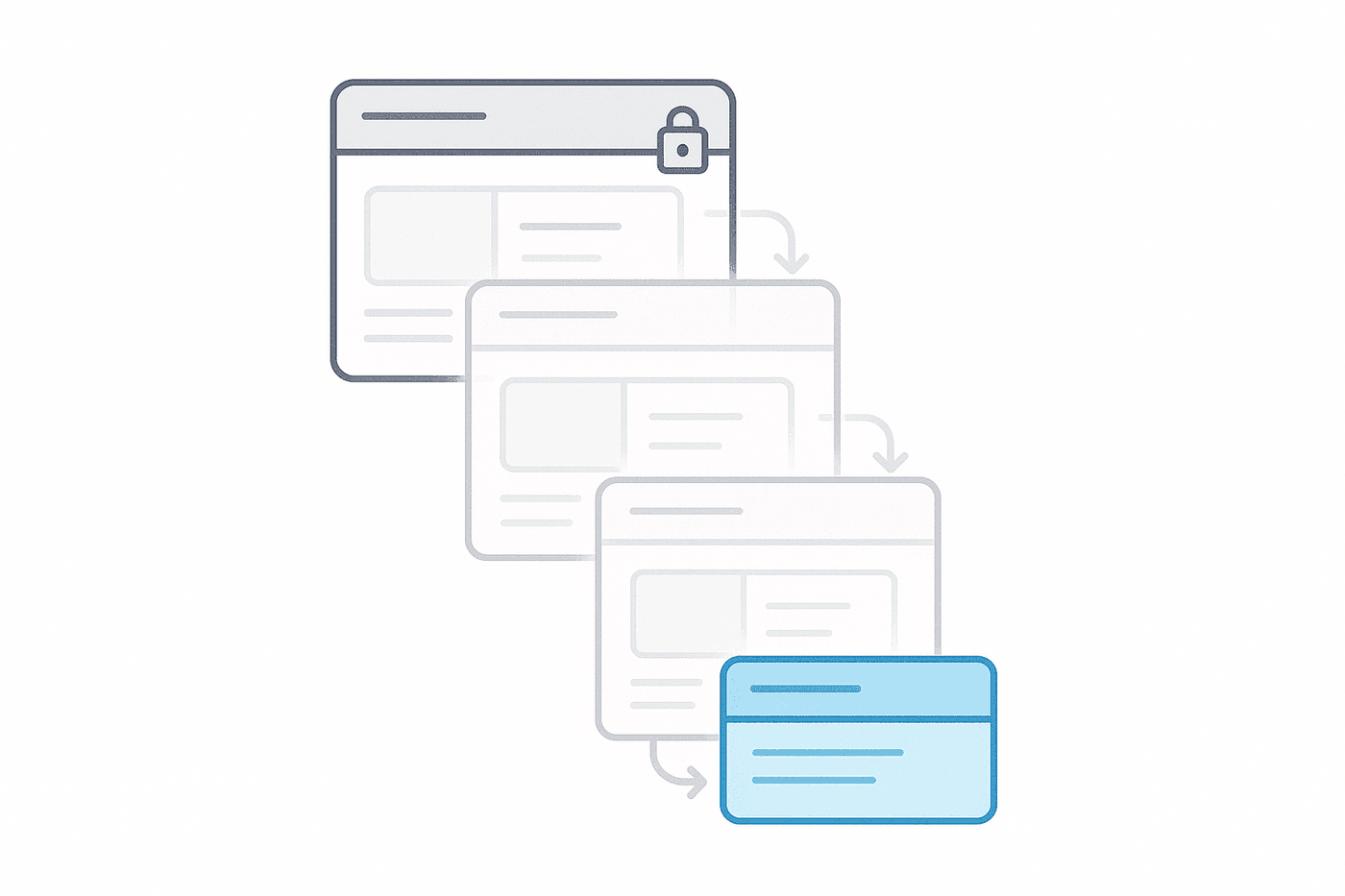
When you save, the changed files are copied into a draft theme — your draft, in your admin, sitting next to every other draft you have. Restyle stops there. Publishing is a button you press in Shopify, not one we press for you.
The editor is your real page, next to the chat
Restyle opens fullscreen inside your Shopify admin: your pages down the left, your live preview in the middle, the chat on the right. The preview is the actual rendered page, not a mockup of it — and you can drive the whole thing by pointing rather than describing.
- Click a section to target it. The picker is element-precise and works on any theme, so "this one" replaces a paragraph explaining which block you meant. Stack several targets at once if a change spans them.
- Paste a screenshot straight from the clipboard as a reference for what you want the section to look like.
- Search your store's pages to switch context without leaving the editor.
- Plan mode makes it write the plan and stop, before any file is touched.
- Desktop, tablet and mobile widths, and a before/after toggle on the preview.
- The Workshop panel puts your store's own CRO findings beside the editor, so the next change worth making is already on screen.
A theme is a workspace — five per shop — and a workspace holds as many chats as you like. Files belong to the theme, not to the chat, so you can close a conversation, open a new one tomorrow, and pick the work up where it stood.
Every write is checked before it counts
A model that edits Liquid will eventually produce Liquid that renders a blank page. So each write is followed by a render check that compares the page before and after on three things: byte size, how many sections it has, and which sections they are. If the page collapsed, the write is reverted and you are told it was.
The interesting part is the exception. "Cut four of these six sections" and "the page exploded" look identical to a naive size check, so the collapse floor scales with how much removal you actually asked for. Without that, every deliberate simplification gets undone and blamed on the model.
Some guardrails are structural rather than statistical, and are evaluated
against the finished result rather than each step: a 25-section cap per page,
max_blocks per section, and a refusal to remove the last section on a page.
A multi-part request — "add a slideshow with three slides" — is folded into one
write and one check rather than four round trips.
Some edits are refused before anything is written at all, on the text of the
change itself: third-party scripts, iframes to other domains, tracking beacons,
shopper data in a URL, eval, cookie reads. The same pre-write pass parses the
Liquid and the JSON, so a broken tag comes back as a line-numbered refusal in
under a second rather than as a write, a failed render and a revert a minute
later. Scripts your theme already had are left alone.
| Restyle | A theme developer | |
|---|---|---|
| Turnaround | Minutes, in the same sitting | A ticket, a queue, and a review cycle |
| What it edits | Section settings first, theme CSS second, Liquid last | Whatever is correct, including things Restyle will not touch |
| Undo | Per change, from a history list, at any point later | Git, if they set it up |
| Judgement | Follows your theme's own design tokens; will not invent a colour | Has taste, context, and can tell you the request is wrong |
| Cost of a small change | Cents | An hourly minimum |
Where the other one wins: A developer understands why you are asking. Restyle takes the request literally, cannot tell you that the change you want will hurt conversion, and has no memory of the argument you had about this section last month. For anything structural, load-bearing, or contested, hire the human.
It reaches for the smallest tool first
The same request can be answered four ways, and which one it picks is the difference between a change you can still undo from the theme editor and one that needs a developer. Restyle works down a fixed ladder and stops at the first rung that does the job:
A section setting. If your theme already exposes what you asked for as a toggle or a field, that is the edit. Nothing in your Liquid changes.
Your theme's own design tokens. Colour, type scale and spacing come from the palette the theme already defines, so the change looks like it belongs. It will not invent a brand colour.
A literal value, when the theme has no token for what you asked for.
Editing Liquid — last, and only when nothing above can express the change.
Behind that sit six written notes on how Shopify themes actually behave: schema rules, block limits, where a setting lives versus where it renders. It searches those before it edits rather than guessing from the file in front of it. And it can read your page views, scroll depth and element clicks while it works, so "move the reviews above the fold" is argued from your own traffic rather than from taste.
Long tasks are planned in the open
"Make the homepage feel less cluttered" is not one edit. Restyle plans it into steps and shows you the plan before it touches a file. Each step then runs as its own bounded piece of work against the page as it actually is at that moment, not as the plan imagined it would be. You can pause a run mid-way; resuming re-plans against the page as it stands, so a pause is not a lost afternoon.
A run ends at review, never at a silent "done". You get one row per step, the files it touched, and the change itself — and you can keep all of it or undo individual changes from there.
Undo is linear: rewinding to a change undoes it and everything after it. There is no branching, and there is one deliberate refusal — if a later change touched the same file, Restyle will not restore the older snapshot over it. It names the change that is in the way instead, because silently deleting newer work and reporting success is worse than refusing.
What it does not do
The highest-value thing on this page.
- It does not publish. Ever. You publish, in Shopify admin. If you never press that button, nothing you did here reaches a shopper.
- It cannot place a generated image into a section. It can generate one, but wiring that into a theme's image picker needs file-write scopes that would re-prompt every merchant for consent. It will tell you this rather than pretend.
- It has deliberately fewer tools than DynoAgent — roughly a third. It can read four analytics tools and your catalogue, and write to themes. It cannot create discounts, edit products, or touch anything else in your admin.
- Themes do not merge. Each workspace is independent. Work done in one is not portable to another.
- Rewinding does not un-save a draft. Once files are in your draft theme they are yours; undoing the working copy and silently rewriting your draft are different promises.
- Measurement needs a real page and real traffic. A change is matched to a page URL exactly. If that page does not have enough traffic in the window, the result says "not enough traffic" — not a number we made up to fill the slot.
That last one matters more than it reads. When a published change is measurable, Impact reports it as improved, held steady, or went down, and only attaches money to the first. A tool that edits your storefront and then grades its own homework is worth less than one that will tell you the change did nothing.
What it costs
Restyle is metered in dollars against your monthly AI budget, not in "tasks" or credits. A real task typically costs between two and twenty-six cents.
Your first task is free and, more importantly, it finishes — it is funded to completion, so the first thing you ever ask for cannot die halfway with your theme half-changed. Every task after that is checked against your remaining budget before anything is spent, so the limit arrives as a question up front rather than an interruption mid-edit. See pricing for the monthly budget on each plan.
Where it fits
Restyle runs on the same pipeline as DynoAgent with a different, narrower profile — so a layout argument can be made from your store's own numbers rather than from taste alone.
Most of the time you should not be starting from a blank prompt at all. The changes worth making usually arrive from AI Suggestions, which finds the friction first; Restyle is what applies the fix, and Impact is what tells you whether it was worth applying.
Common questions
Can it change my live storefront by accident?
No. Restyle never writes to your published theme. It duplicates it and works in that copy, then copies the changed files into a draft theme when you save. Publishing that draft is something you do yourself in Shopify admin — if you never press it, nothing reaches a shopper.
What happens if it breaks the page?
Every write is followed by a render check that compares the page before and after on byte size, section count and section identity. If the page collapsed, the change is reverted automatically and you are told it was. The threshold scales with how much removal you actually asked for, so deliberately cutting sections is not mistaken for a broken page.
Can I undo a change later?
Yes. Every change is a row in the theme's history and can be undone at any point. Undo is linear — rewinding to a change undoes it and everything after it. If a later change touched the same file, Restyle refuses rather than restoring stale content over newer work, and names the change that is in the way.
Does it need a developer to set up?
No. It works against your existing theme with no code, no repository and no build step. You describe the change in the same words you would use to brief a developer.
What does it cost to run?
It is metered in dollars against your monthly AI budget rather than in credits or task counts. A real task typically costs between two and twenty-six cents. Your first task is free and funded to completion, so it cannot stop halfway.
Can it add images to my store?
It can generate an image, but it cannot place one into a theme section. Wiring a generated image into a section's image picker needs file-write permissions that would require every merchant to re-consent, so the agent says so plainly rather than pretending otherwise.
How do I know a change actually helped?
When a saved change is published, Impact captures a baseline for that page and measures it over a window. The result is improved, held steady, went down, or not enough traffic. Revenue is only attached to a genuine win — the other outcomes are reported as what they are.
CRO Report
A CRO report is a conversion rate optimization audit. It sizes the revenue your store is losing and ranks the fixes by what each is worth. Here is one generated from Shopify data, with the arithmetic shown.
Popups
Storefront interventions that fire on real behavioural signals — with a held-back control group, so the reported revenue is incremental rather than gross.